


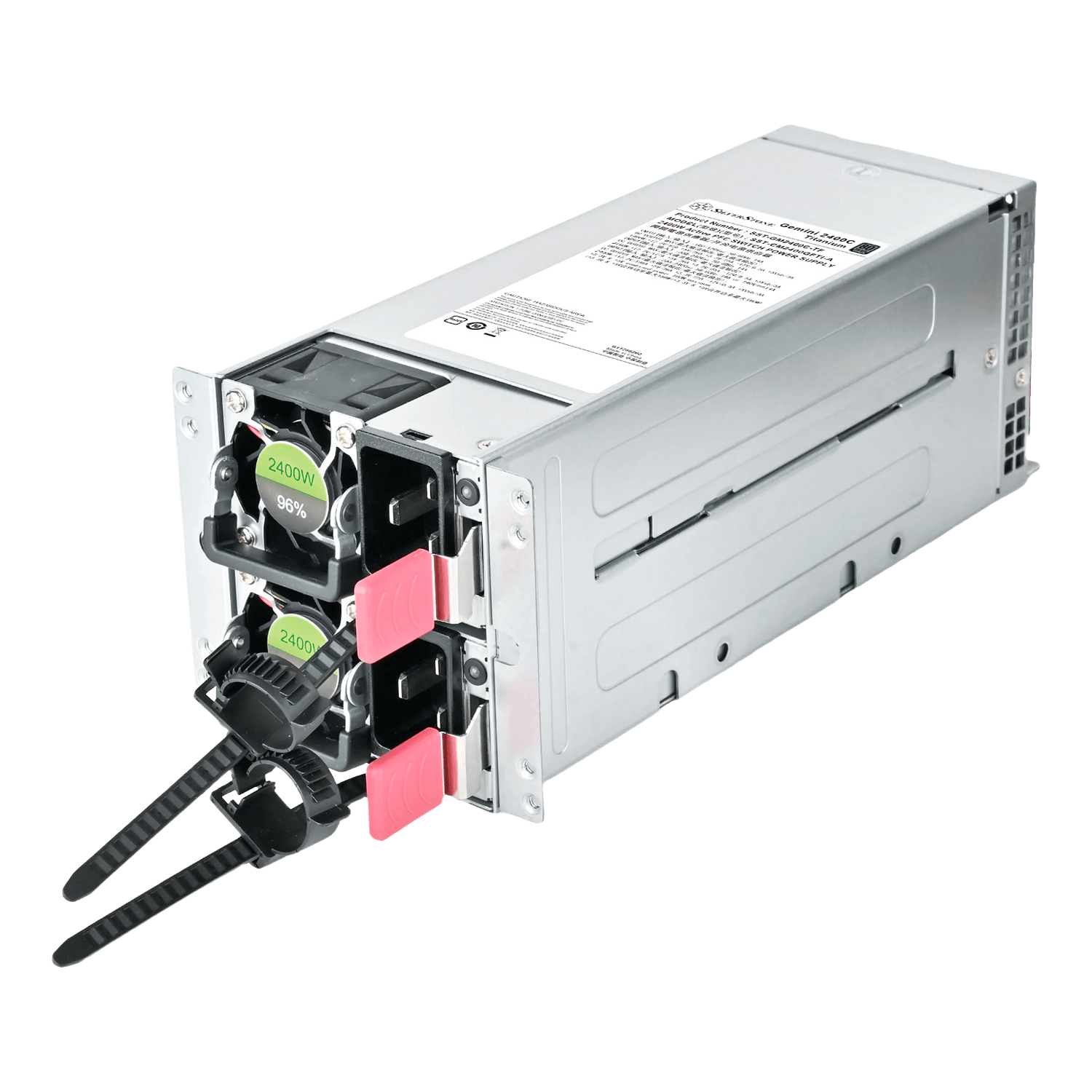
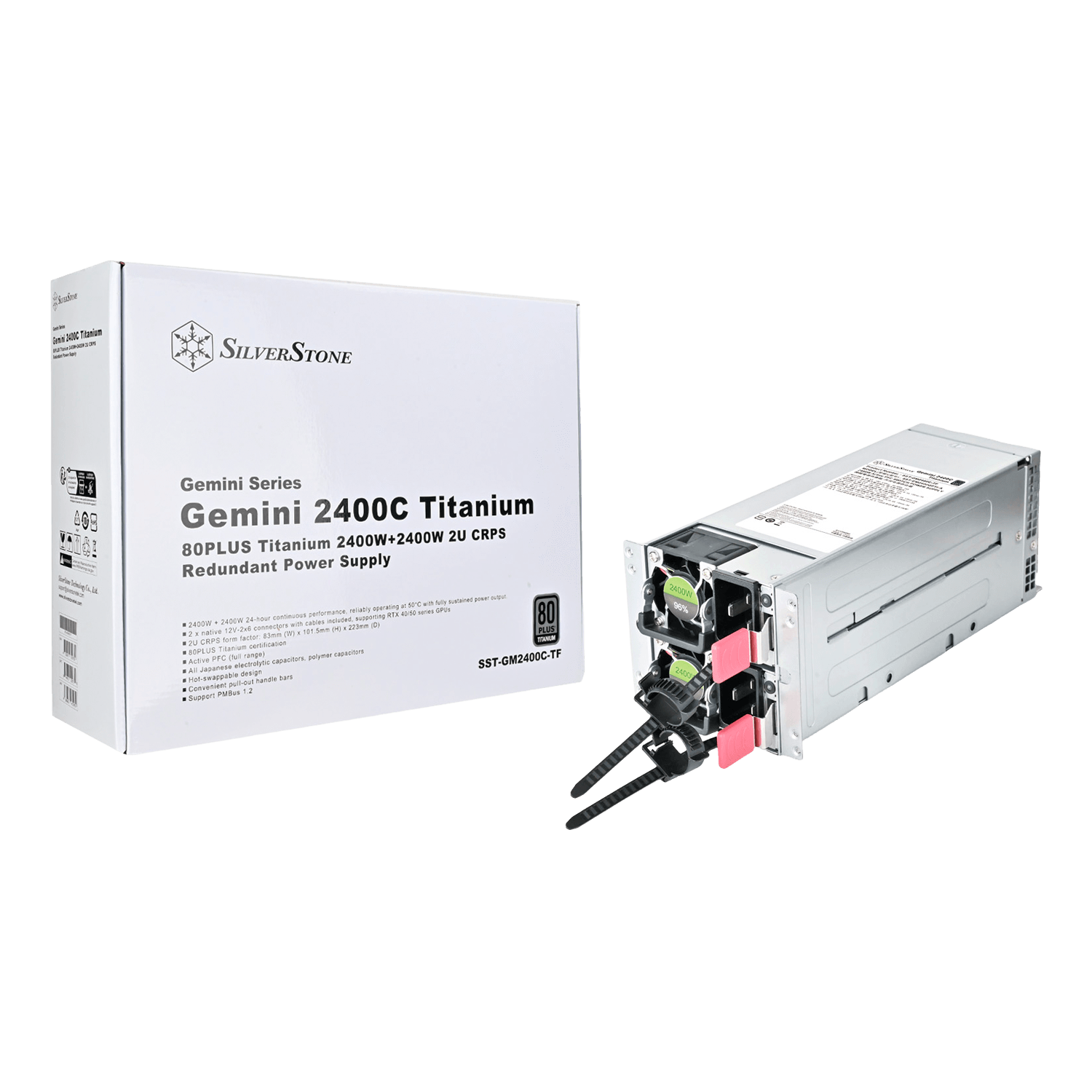
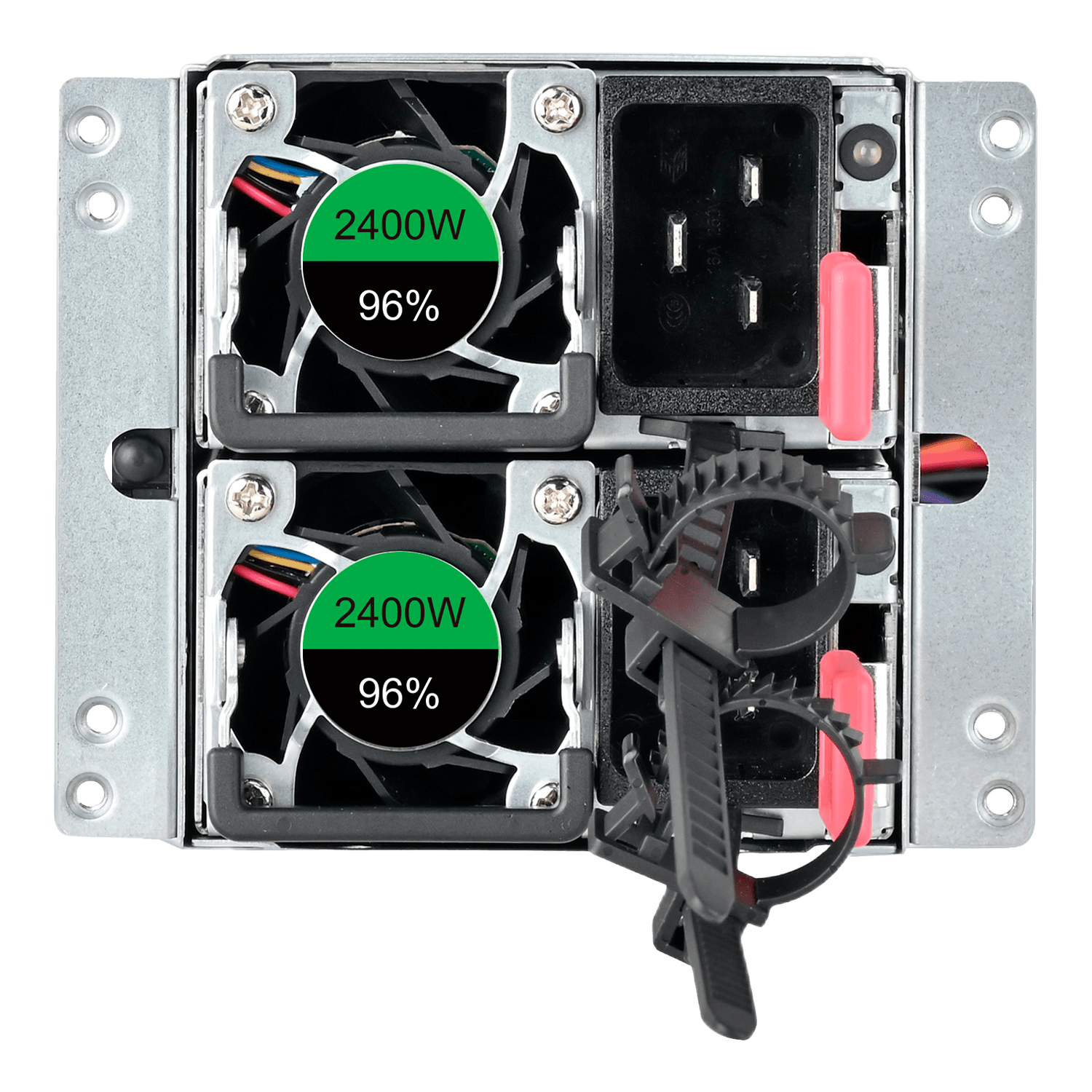
Gemini 2400C Titanium, 80 PLUS Titanium, 2400W+2400W, 2U CRPS Redundant Power Supply
- SKU: 20403149
- Manufacturer: SILVERSTONE
- MPN: GM2400C-TF
- Availability: USUALLY SHIPS WITHIN 1-3 WEEKS

| Product No. | SST-GM2400C-TF | |||||
| Model (safety certification) | SST-CM2400GFTI-A | |||||
| Color | Silver | |||||
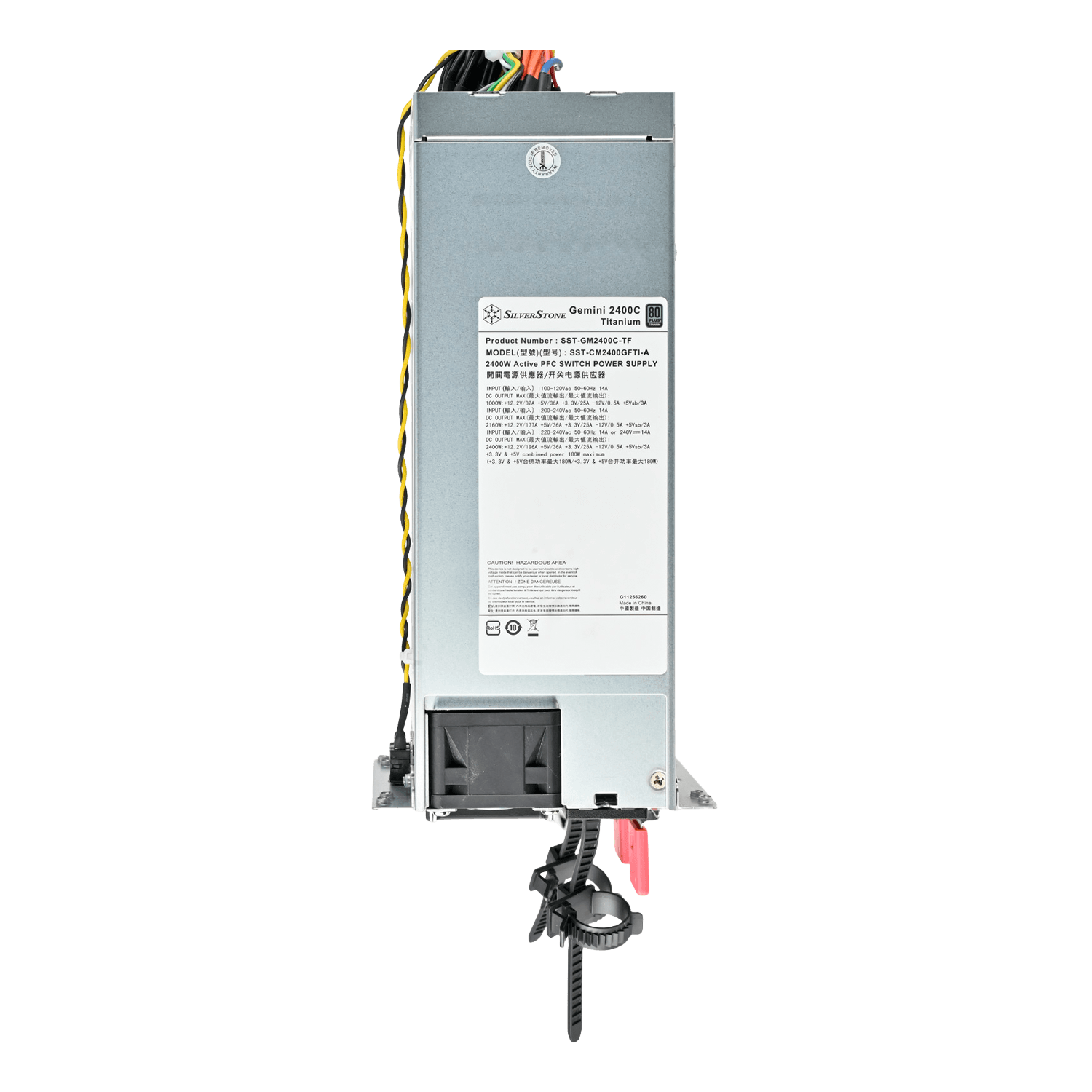
| Max. DC Output | 2400W+2400W, Max: 2400W | |||||
| Load Range | Output | +3.3V | +5V | +12V1 | +5VSB | -12V |
| Max.(Amps) | 25A | 36A | 196A | 3A | 0.5A | |
| Min.(Amps) | 0A | 0A | 1A | 0A | 0A | |
| Range (%) | ±5% | ±5% | ±5% | ±5% | ±10% | |
| Line Reg.(%) | ±1% | ±1% | ±1% | ±1% | ±1% | |
| Ripple(mVp-p) | 50mV | 50mV | 120mV | 50mV | 120mV | |
| Combined +3.3V & +5V | 180W | |||||
| Combined +12V | 2352W | |||||
| Input Voltage | 2400W: 200~240 Vrms 1000W: 100~127 Vrms |
|||||
| Input Frequency Range | 47Hz ~ 63Hz | |||||
| PFC | Active PFC(PF>0.9 at full load) | |||||
| Efficiency | 10%~100% (90%–96% efficiency under load) | |||||
| MTBF | 200,000 hours | |||||
| Operating temperature | -5°C ~ 50°C | |||||
| Protection |
Over Current Protection Over Voltage Protection Over Temperature Protection Short circuit protection |
|||||
| Connectors |
1 x 24 Pin motherboard connector 2 x 8-Pin EPS / ATX 12V connectors 4 x 8 / 6-Pin PCIe connectors 2 x 12V-2x6 Connector 4 x SATA connectors 4 x 4-Pin Peripheral connectors 1 x 5-Pin PMBus connector |
|||||
| Cooling System | 40mm PWM fans | |||||
| Noise Level | 72.8 dBA | |||||
| Indicator | Power system condition | PDB Buzzer | ||||
| No input power to all PSU | OFF | |||||
| No input power to one PSU only | buzzing | |||||
| Input power present/only standby output on | OFF | |||||
| Power supply DC output ON and OK | OFF | |||||
| One power module failure | buzzing | |||||
| PDB fail | buzzing | |||||
| Certification | 80PLUS Titanium | |||||
| Form factor | 2U-CRPS-Form factor | |||||
| Dimension |
82mm (W) x 101.5mm (H) x 223mm (D) (Housing with bracket, without handle) 82mm (W) x 101.5mm (H) x 210mm (D) (Housing without bracket) 73.5mm (W) x 39mm (H) x 185mm (D) (Module only without handle) |
|||||
| Weight | 3.21kg | |||||
| Other |
? When this PSU is inserted into the PDB board, if you hear a buzzing sound from the power supply,
please connect the AC power cord and the sound will disappear. ? When the power supply is connected to the AC power or inserted into the PDB board, the PSU fan will start at low speed to prevent electronic components from overheating and being damaged. ? To install a new power supply, please follow the steps below: 1.Carefully slide the PSU all the way into the power supply bay. 2.Make sure the power supply clicks into place and is securely installed. |
|||||