


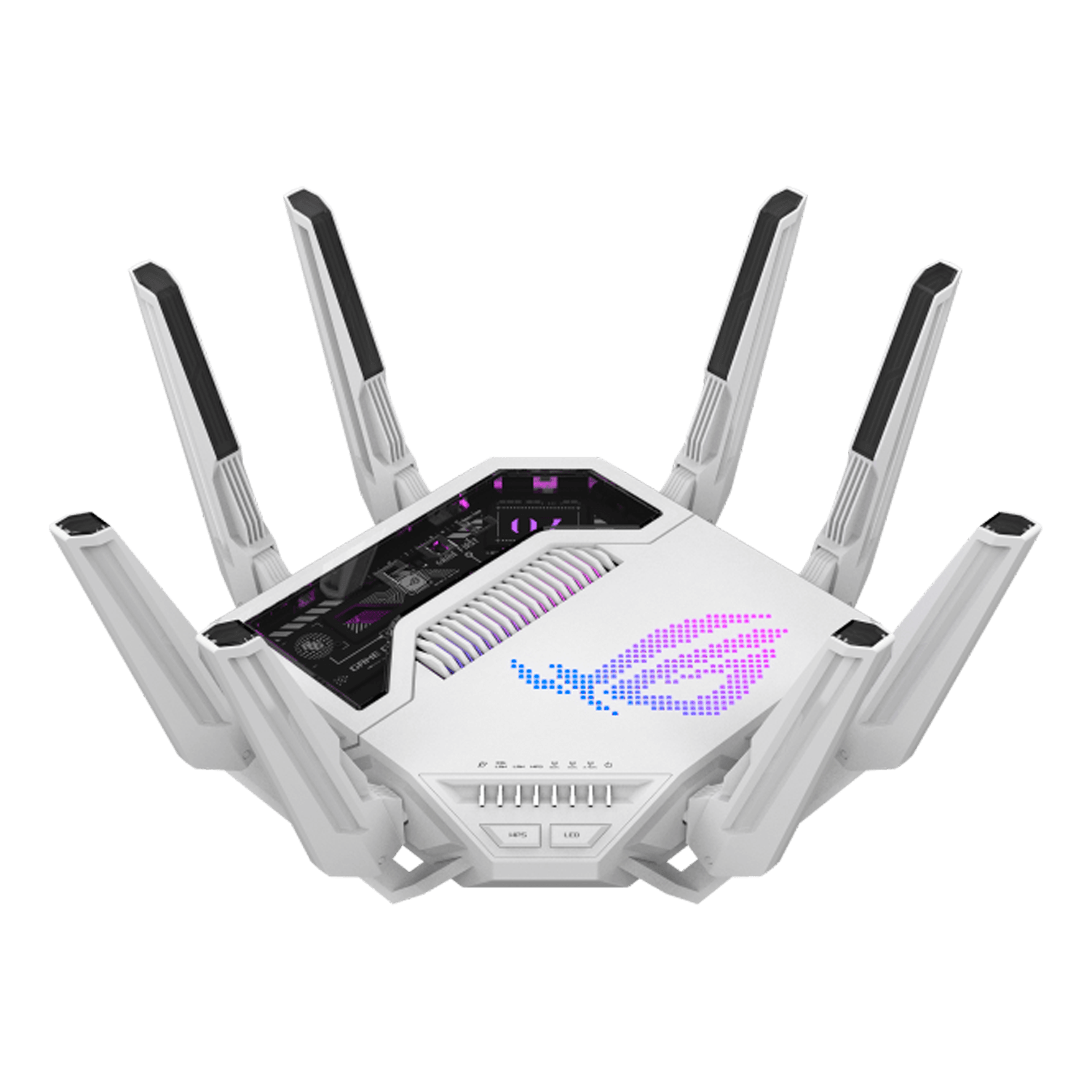
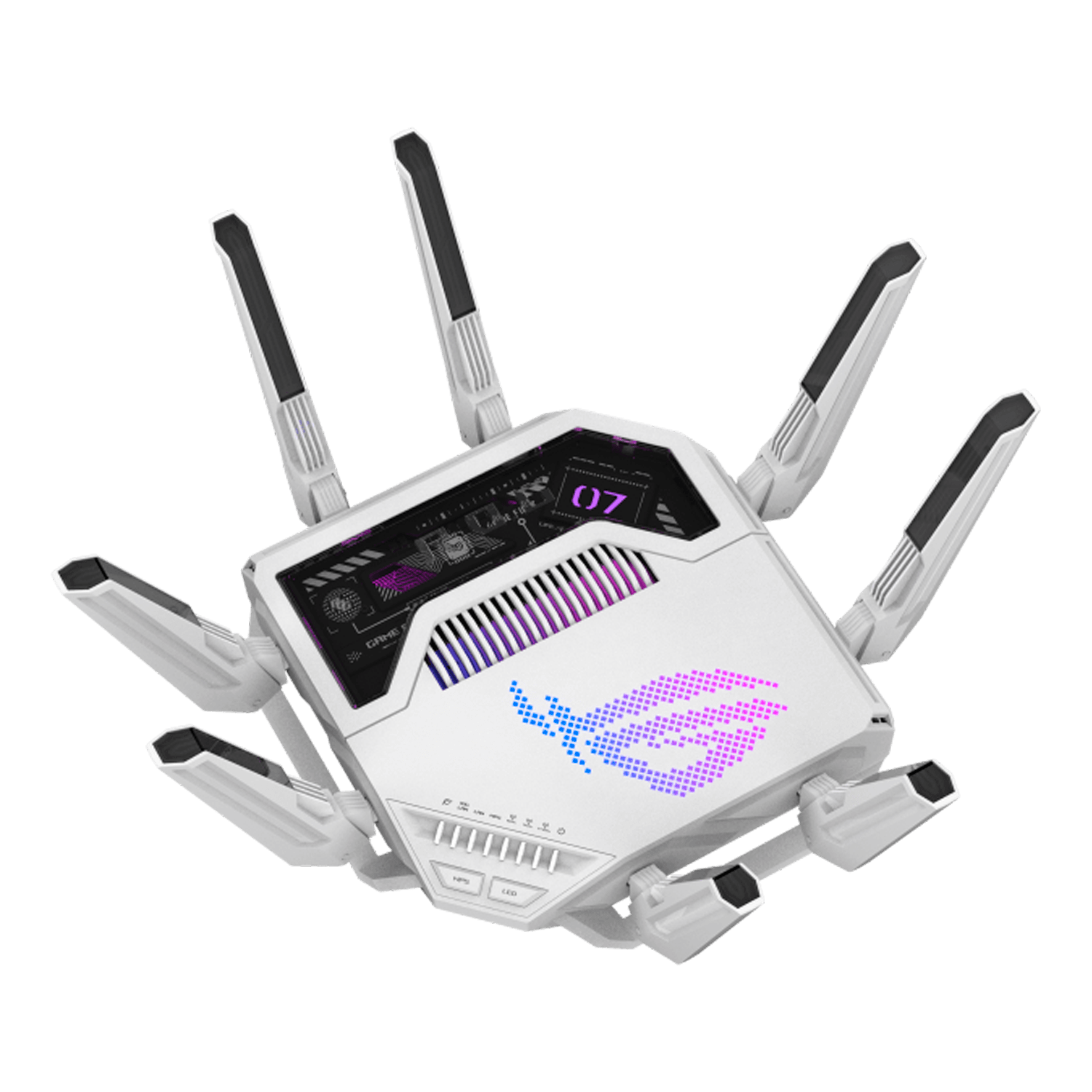
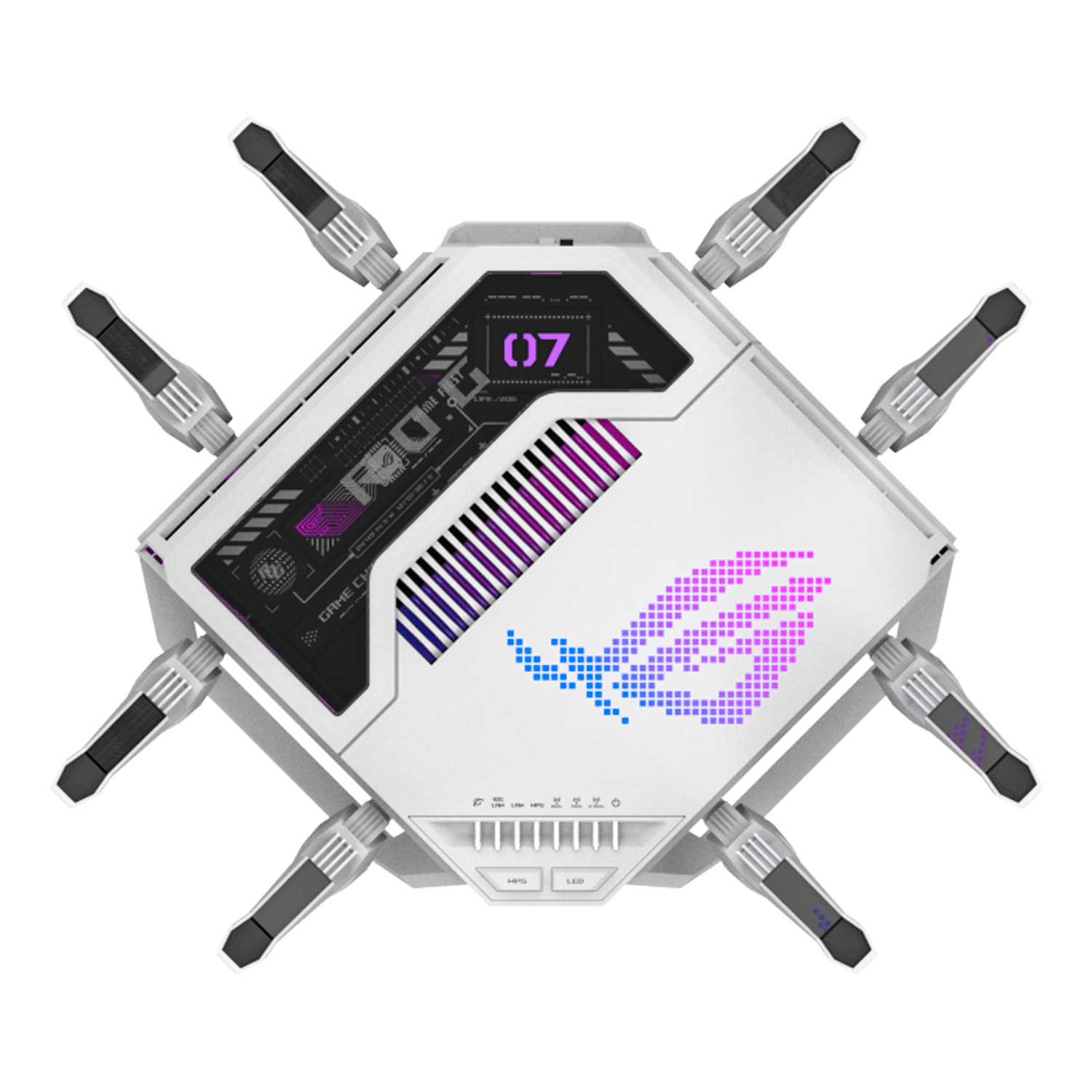

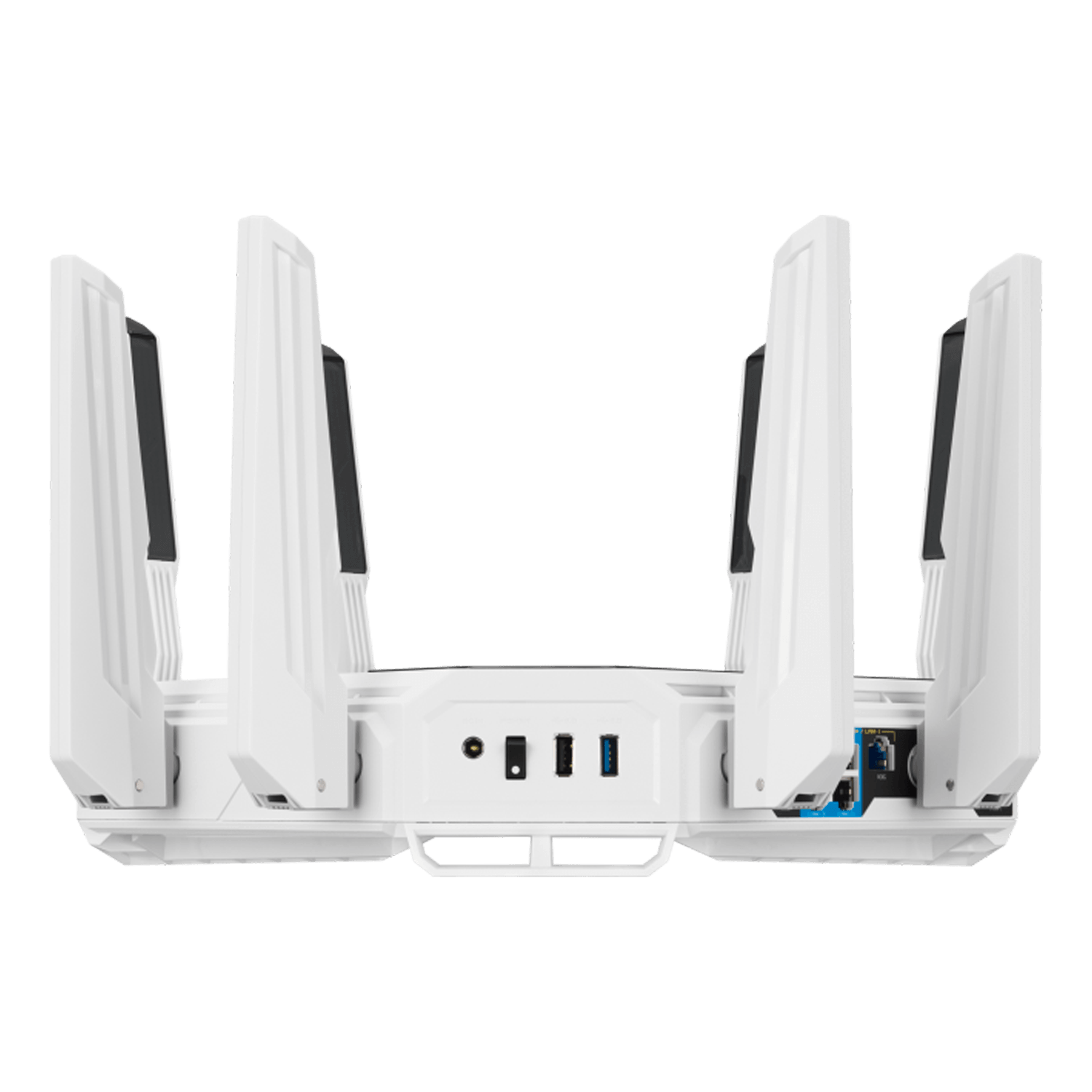
ROG Rapture GT-BE19000AI, IEEE 802.11be, Tri-Band 2.4 / 5 / 6 Ghz, 1376 / 5764 / 11529 Mbps, 1xUSB 3.1 / 1xUSB 2.0, 7xRJ45, Retail Wireless Router
- SKU: 19912746
- Manufacturer: ASUS
- MPN: GT-BE19000AI
- Availability: USUALLY SHIPS WITHIN 3-5 DAYS

ROG Rapture GT-BE19000AI, IEEE 802.11be, Tri-Band 2.4 / 5 / 6 Ghz, 1376 / 5764 / 11529 Mbps, 1xUSB 3.1 / 1xUSB 2.0, 7xRJ45, Retail Wireless Router
ASUS ROG Rapture GT-BE19000AI Tri-band Gaming Router, WiFi 7, 802.11be, up to 3,500 sq. ft. & 200+ devices, Triple Level Security, Support AiMesh Whole Home Mesh WiFi, Dual 10G ports, AI WAN detection, Energy Saving Mode, AI Game Boost, Gaming Network, Guest Network Pro.
- World’s first AI router with an AI Core, featuring 2.6GHz quad-core CPU, 4GB RAM, and 32GB Flash
- Built-in AI Core with Docker support for open-platform apps, empowering smarter, customizable experiences.
- Tri-band WiFi 7 with 19000Mbps throughput, featuring 320MHz channels within the 6GHz band plus 4096-QAM
- Up to 31G wired bandwidth via dual 10G ports, four 2.5G ports, and 20G Link Aggregation
- AI-boosted 3-level game acceleration with automatic device optimization, adaptive QoE, and GTNet
- AI Enhancement features to optimize WiFi stability, gaming, energy efficiency, and device management
- Up to 5 SSIDs or VLANs for gaming, IoT, VPN, and more
| Model Name | GT-BE19000AI |
| Network Standard | WiFi 6 (802.11ax)WiFi 7 (802.11be)IEEE 802.11aIEEE 802.11bIEEE 802.11gIEEE 802.11nIEEE 802.11acIPv4IPv6 |
| Product Segment | BE19000 ultimate BE performance: 1376+5764+11529 Mbps |
| WiFi Data Rate | 2.4GHz BE: 4x4 (Tx/Rx) 4096 QAM 20/40MHz, up to 1376Mbps5GHz BE: 4x4 (Tx/Rx) 4096 QAM 20/40/80/160MHz, up to 5764Mbp6GHz BE: 4x4 (Tx/Rx) 4096 QAM 20/40/80/160/320MHz, up to 11529Mbp |
| Antenna | External antenna x 8 |
| Transmit / Receive | 2.4GHz 4x45GHz 4x46GHz 4x4 |
| Processor | 2.6GHz quad-core processor |
| Memory |
Router: 32GB Flash and 4GB RAM AI core: 32GB Flash and 4GB RAMRouter: 32GB Flash and 4GB RAM AI core: 32GB Flash and 4GB RAM |
| Boosts Speed |
OFDMA (Orthogonal Frequency Division Multiple Access) Beamforming: standard-based and universal 4096-QAM
high data rate 20/40/80/160/320 MHz bandwidthOFDMA (Orthogonal Frequency Division Multiple Access) Beamforming: standard-based and universal 4096-QAM high data rate 20/40/80/160/320 MHz bandwidth |
| Operating Frequency | 2.4 GHz5 GHz6 GHz |
| Operating Mode | Router(AiMesh router), AiMesh node, Access point |
| I/O Ports |
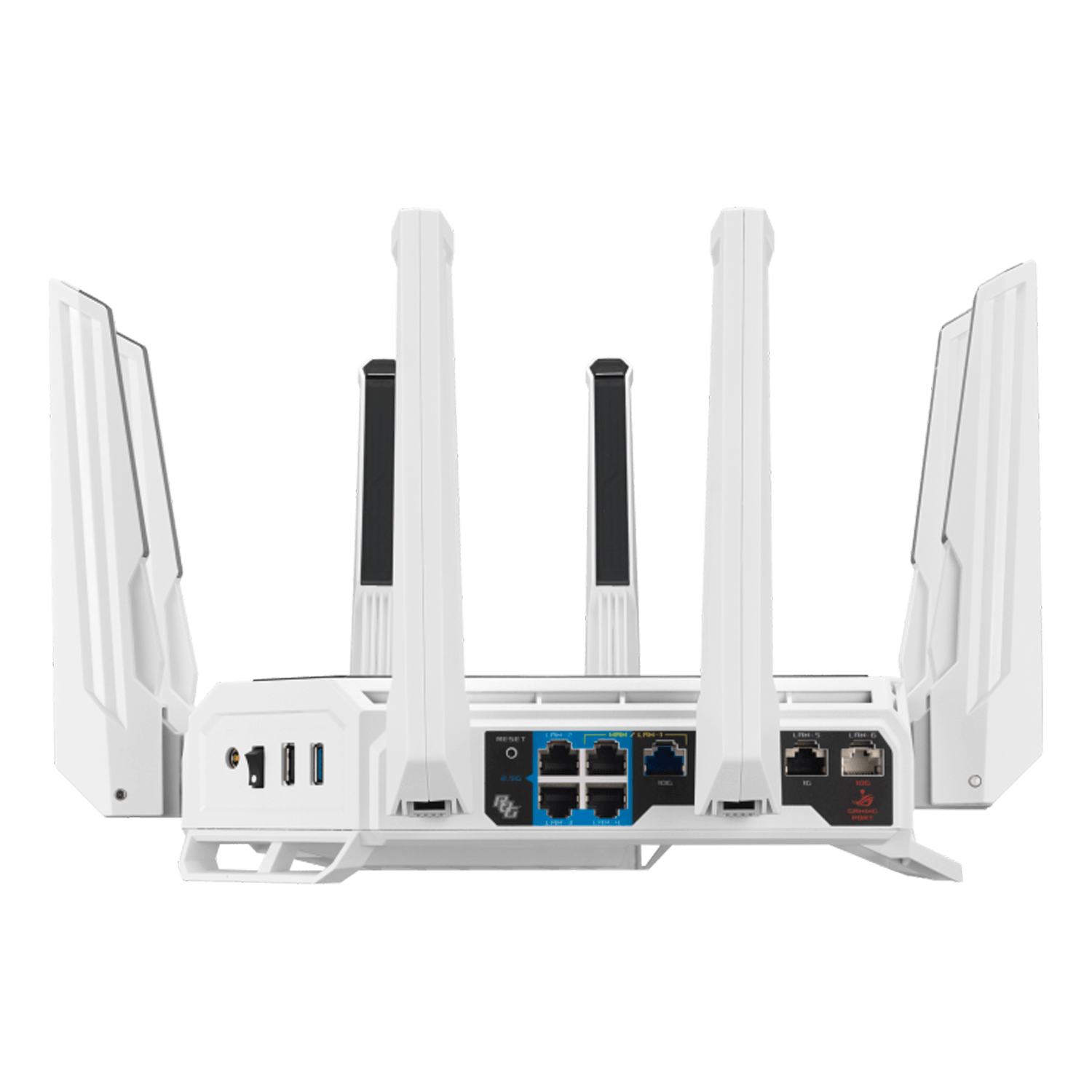
1 x 10Gbps for WAN/LAN 1 x 2.5Gbps for WAN/LAN 1 x 10Gbps for LAN 3 x 2.5Gbps for LAN 1 x RJ45
10/100/1000Mbps for LAN 1 x USB 3.2 Gen1 1 x USB 2.01 x 10Gbps for WAN/LAN 1 x 2.5Gbps for WAN/LAN 1 x 10Gbps for LAN 3 x 2.5Gbps for LAN 1 x RJ45 10/100/1000Mbps for LAN 1 x USB 3.2 Gen1 1 x USB 2.0 |
| Buttons | WPS Button, Reset Button, Power Switch, LED control Button |
| LED Indicator |
WAN(Internet) x1 10G LAN x1 1G/2.5G LAN x1 WPS x1 6GHz x1 5GHz x1 2.4GHz x1 Power x1WAN(Internet) x1 10G LAN x1 1G/2.5G LAN x1 WPS x1 6GHz x1 5GHz x1 2.4GHz x1 Power x1 |
| Power Supply |
AC Input: 110V~240V(50~60Hz) DC Output: 12 V with max. 5 A currentAC Input: 110V~240V(50~60Hz) DC Output: 12 V with max. 5 A current |
| Package Content |
GT-BE19000AI tri-band gaming router RJ-45 cable Power adapter Quick Start Guide Warranty
cardGT-BE19000AI tri-band gaming router RJ-45 cable Power adapter Quick Start Guide Warranty card |
| Product Weight (g) | 2000 g |
| Product Dimensions | 350.41 x 350.41 x 220.6 mm |
| AiMesh | AiMesh• Primary AiMesh Router• AiMesh Node |
| Game | Mobile Game ModeGear AcceleratorROG_FirstOpenNAT (Game Profile)Gaming PortGaming Network |
| Parental Control | "Allow you to block access to unwanted websites and apps."Web & Apps FiltersTime SchedulingRewardParental Control Customized Internet Schedule• Maximum Parental Control Profile : 64• Maximum Parental Control Content Filter Rule : 64 |
| Guest Network | "The Guest Network provides Internet connection for guests but restricts access to your local network.""You can create additional networks for different purposes, these networks are separate from the main network domain, to provide enhanced security, and create comprehensive network environment with customized settings."Support Guest Network Pro• Maximum Guest Network Rule : 2.4 GHz + 5 GHz : 5Guest Network Connection time limitGuest Network Encryption : Open system, WPA/WPA2/WPA3 Personal |
| Security |
AiProtectionVPNWiFi Encryption : WPA/WPA2/WPA3 Personal WPA/WPA2/WPA3 Enterprise Open System &
OWEWPSLet's EncryptDNS-over-TLSSSHSecurity ScanFirewall• Maximum Firewall Keyword Filter : 64•
Maximum Firewall Network Service Filter : 32• Maximum Firewall URL Filter : 64WiFi Encryption :
WPA/WPA2/WPA3 Personal WPA/WPA2/WPA3 Enterprise Open System & OWE |
| AiProtection | AiProtection• Router Security Assessment• Malicious Site Blocking• Two-Way IPS• Advertisement Blocking• Tracker Blocking |
| VPN | Instant GuardVPN Client L2TPVPN Client Open VPNVPN Client PPTPVPN Client WireGuardVPN Server IPSecVPN Server Open VPNVPN Server PPTPVPN Server WireGuardVPN Fusion |
| Traffic Control | Adaptive QoE• Bandwidth Limiter-- Maximum Bandwidth Limiter Rule : 32Traffic Monitor• Real-time Traffic Monitor• Wired Traffic Monitor• Wireless Traffic MonitorTraffic Analyzer• Traffic Analysis Period : Daily, Weekly, Monthly• Website History |
| WAN | Internet Connection Type :• PPPoE• PPTP• L2TP• Automatic IP• Static IP• IPSecDual WAN3G / 4G LTE Dongle4G / 5G Auto Mobile TetheringPort Forwarding• Maximum Port Forwarding Rule : 64Port Triggering• Maximum Port Triggering Rule : 32DMZDDNSNAT Passthrough : PPTP, L2TP, IPSec, RTSP, H.323, SIP Passthrough,PPPoE relay |
| LAN | DHCP ServerIPTVLAN Link AggregationManually Assign IP Address• Maximum Manually Assign IP Address Rule : 128Wake on LAN (WOL)VLAN |
| Wireless | MU-MIMOUTF-8 SSIDWiFi MAC Address Filter• Maximum MAC Filters : 64Wireless SchedulerWi-Fi RadarAirtime FairnessRADIUS ClientUniversal BeamformingExplicit Beamforming |
| USB application | 4G / 5G Auto Mobile TetheringFile System :• HFS+• NTFS• vFAT• ext2• ext3• ext4Safely Remove DiskMedia ServerSamba ServerFTP ServerShared Folder Privileges |
| User Interface | WEB: ASUSWRTAPP: ASUS Router APPOperating system : ASUSWRT |
| Administration | Configuration Backup and RestoreDiagnosis ToolsFeedback SystemSystem LogNew Device Connect NotificationLogin CaptchaConnection DiagnosisAuto Firmware Update |